AI Health Coach
Designing a health coach that turns messy human intent into structured, trustworthy health behaviors.
Software: Figma, Figma Make, After Effects, AI Studio
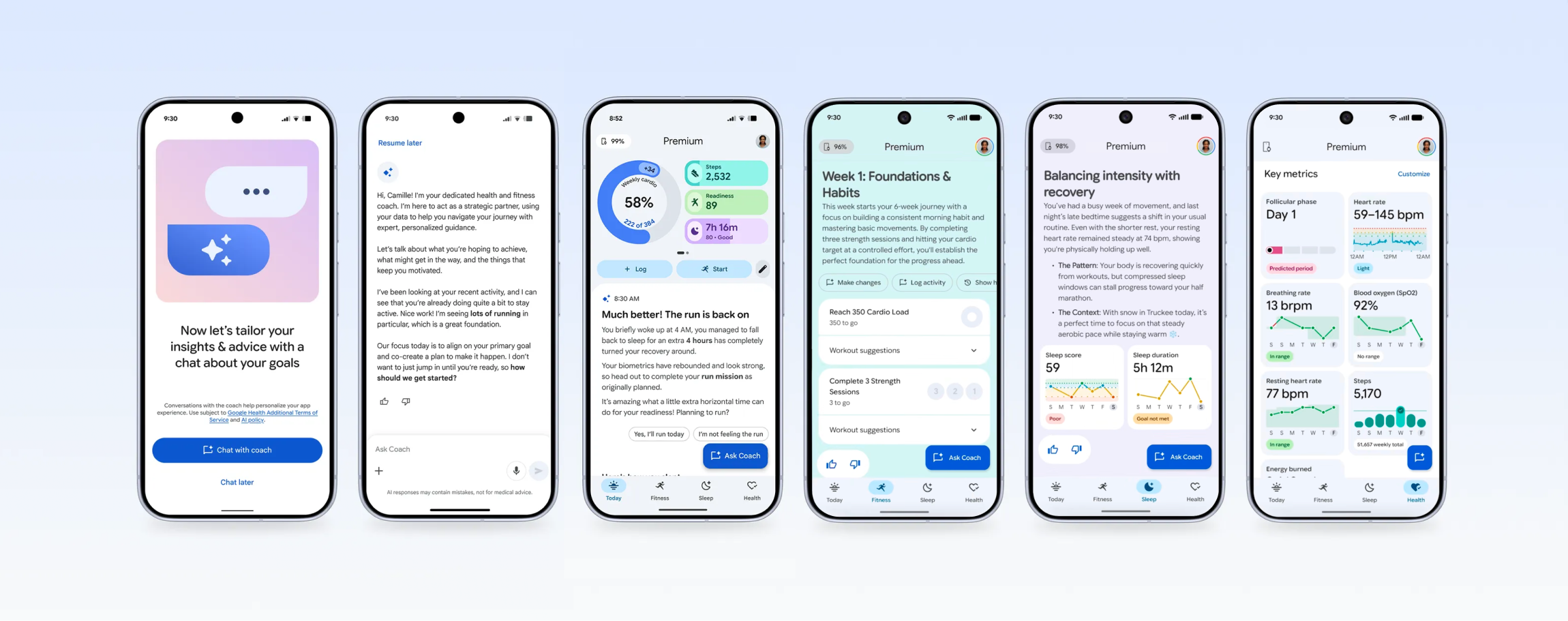
Google is moving Fitbit into the Google Health app, combining wearable data, Health Connect, Apple Health, and medical records into one app experience. The brand new Google Health Coach, powered by Gemini, is the core value prop for Google Health Premium.
Goal: Create a personal health coach that can understand user goals, help users take action, log progress, make sense of their health data, and personalize their experience over time.
Strategy: An agentic conversational experience that turns messy human intent into structured, trustworthy health behaviors through periodic bite-sized check-ins to form habits.
Timeline: 6 months from Public Preview to GA launch.
Team: ~12 individual contributors.
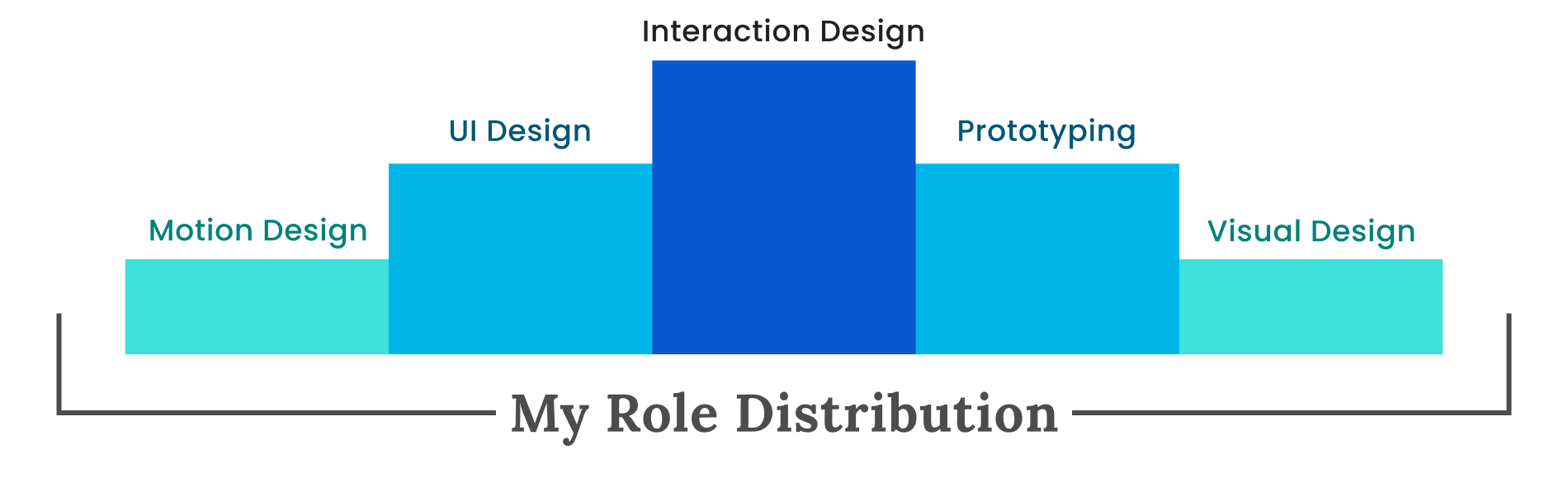

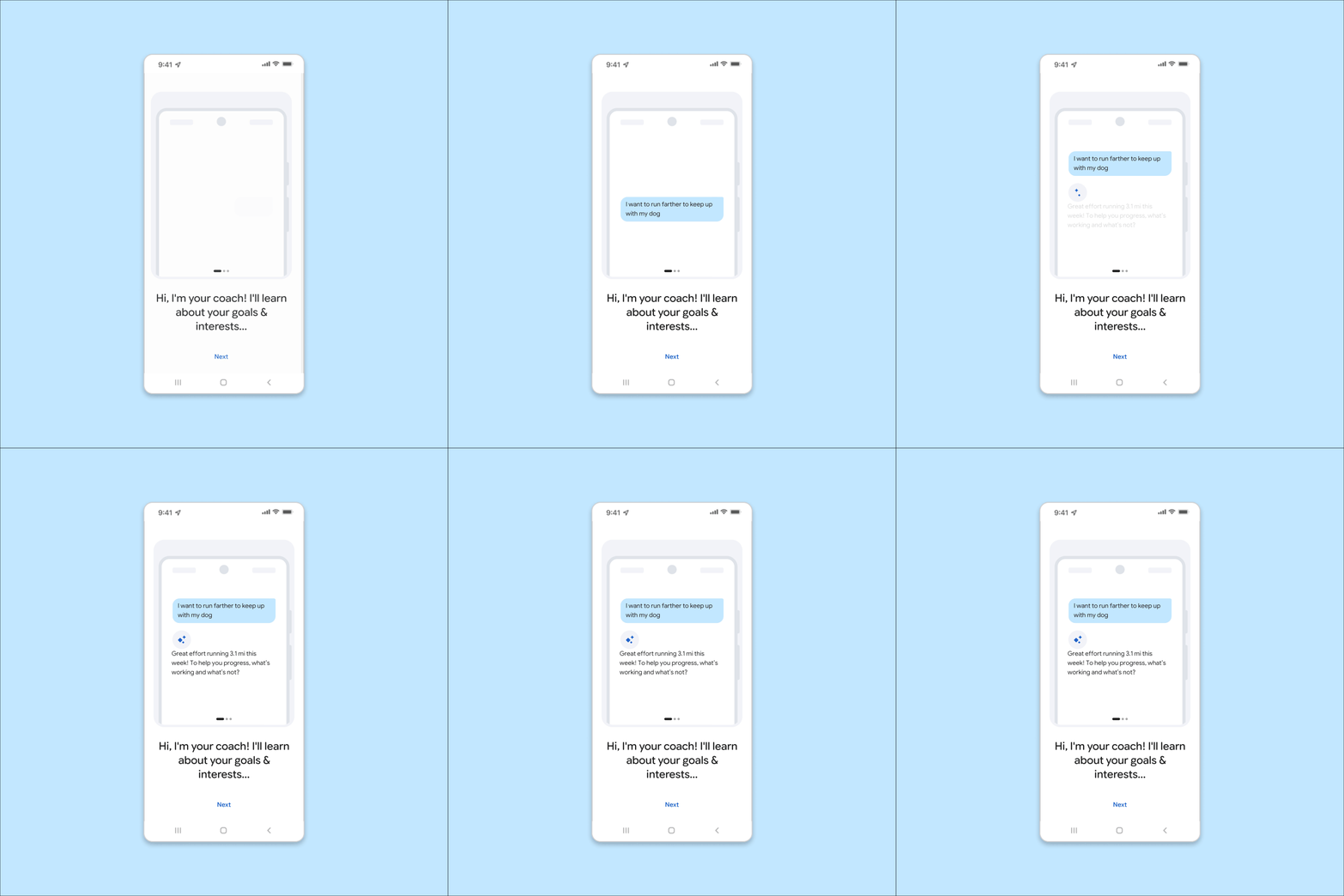
Coach onboarding
From left: Original Fitbit app, Public Preview opt-in, Coach conversation
Design onboarding to invite the next action, so users quickly experience value while staying in control.
Pain points
Users were dropped into the Coach conversation with little context before doing anything else in the updated Public Preview.
The conversation railroaded them into a lengthy setup process with no check points.
Sending messages required users manually type messages to their Coach.
Solutions
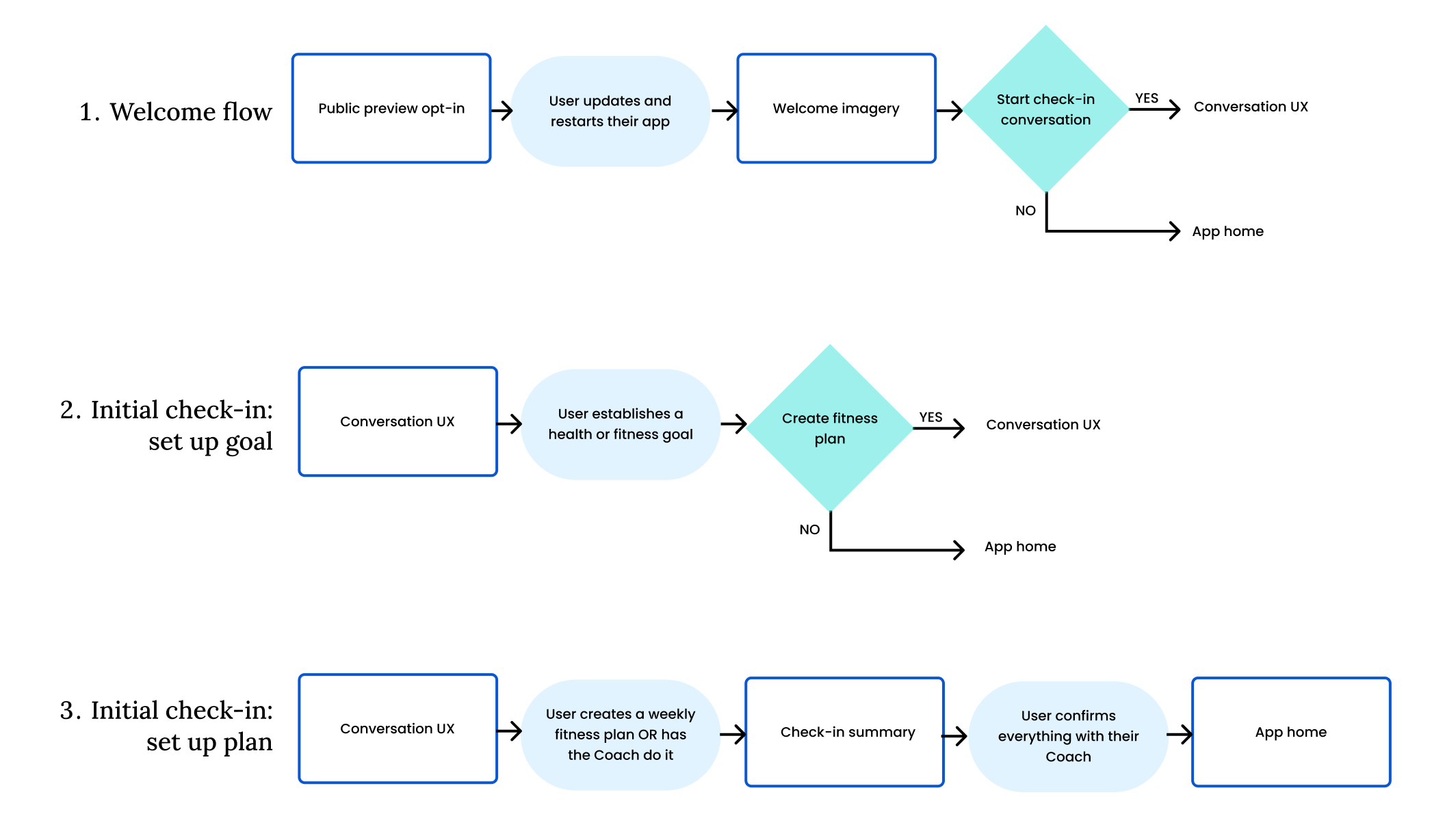
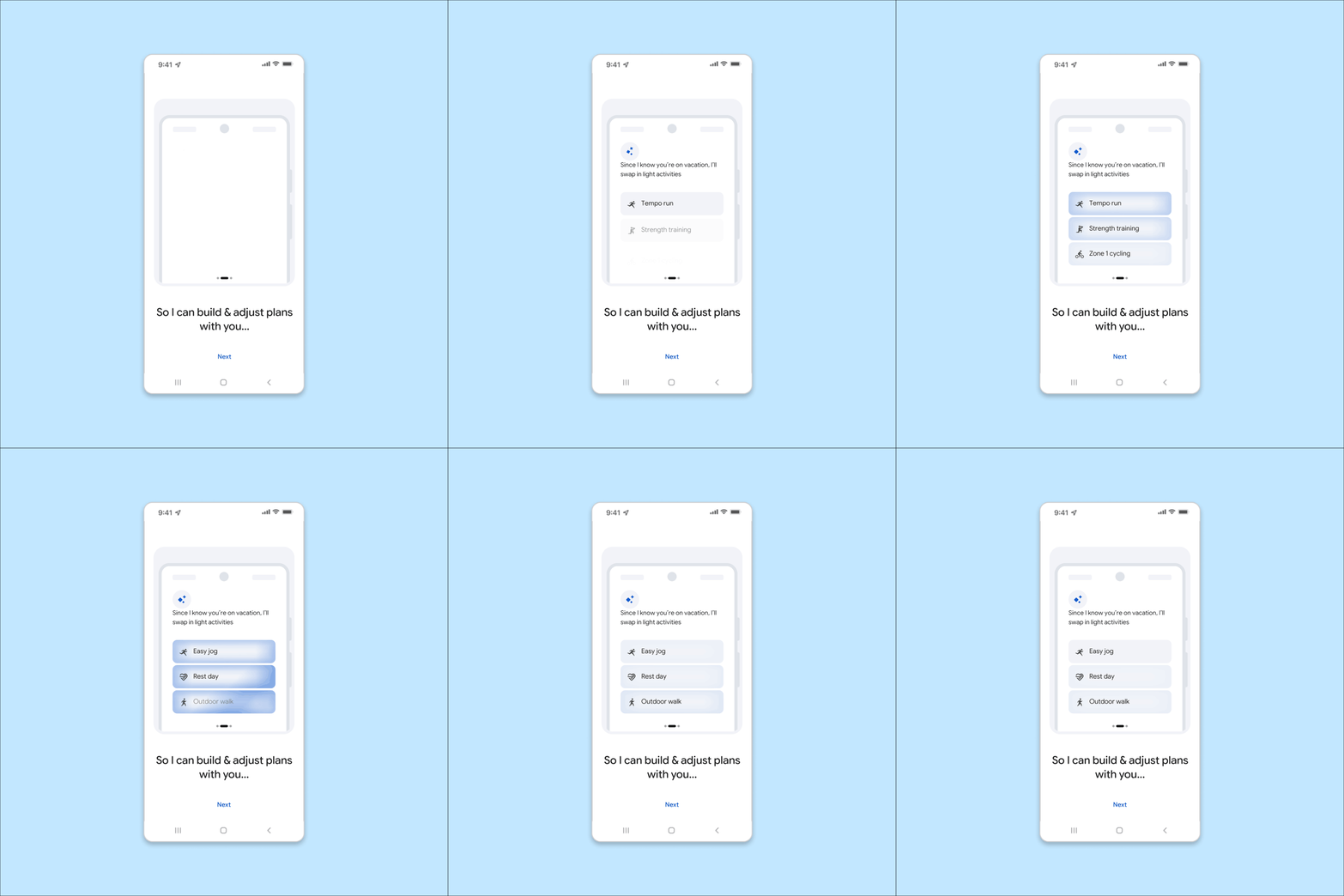
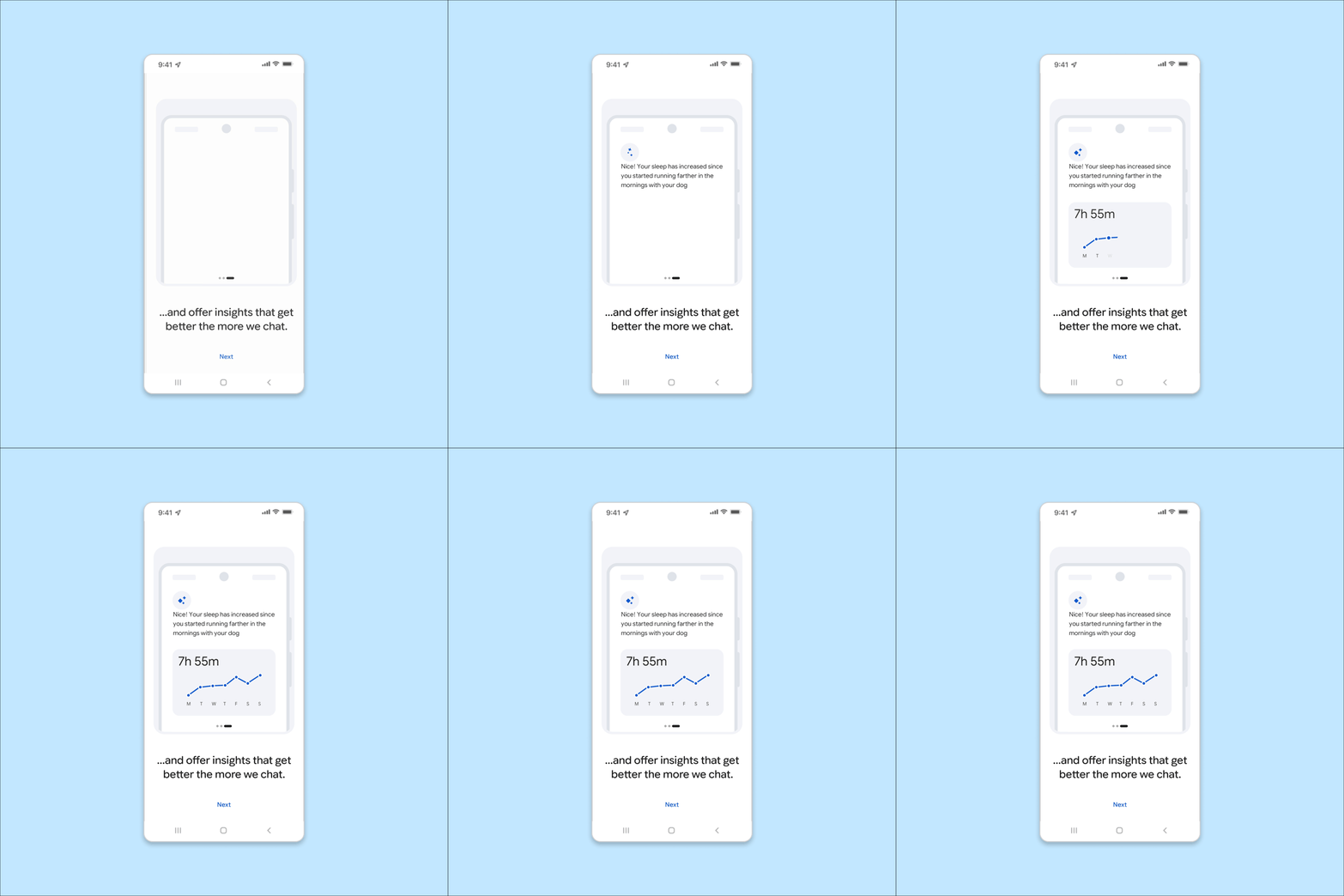
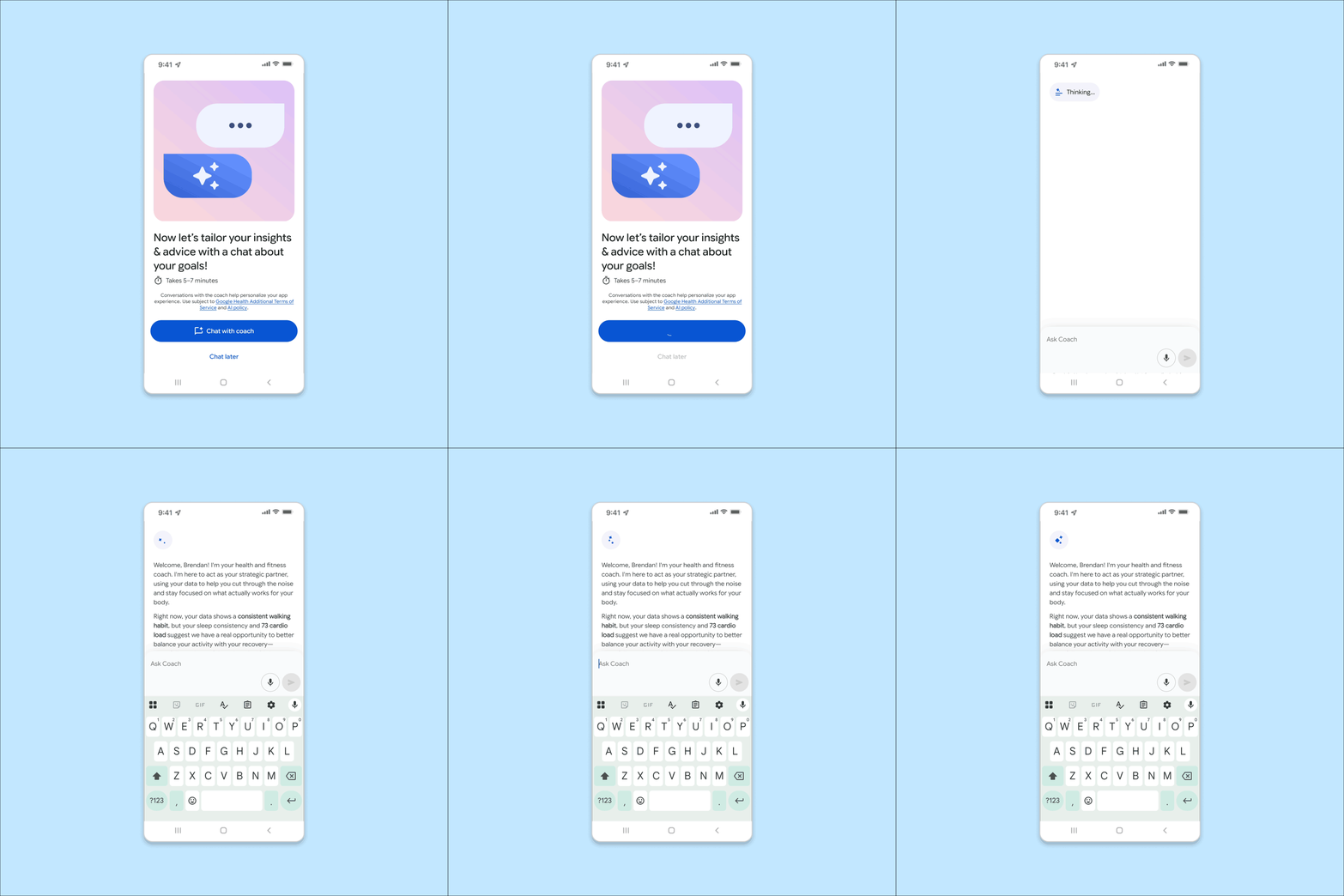
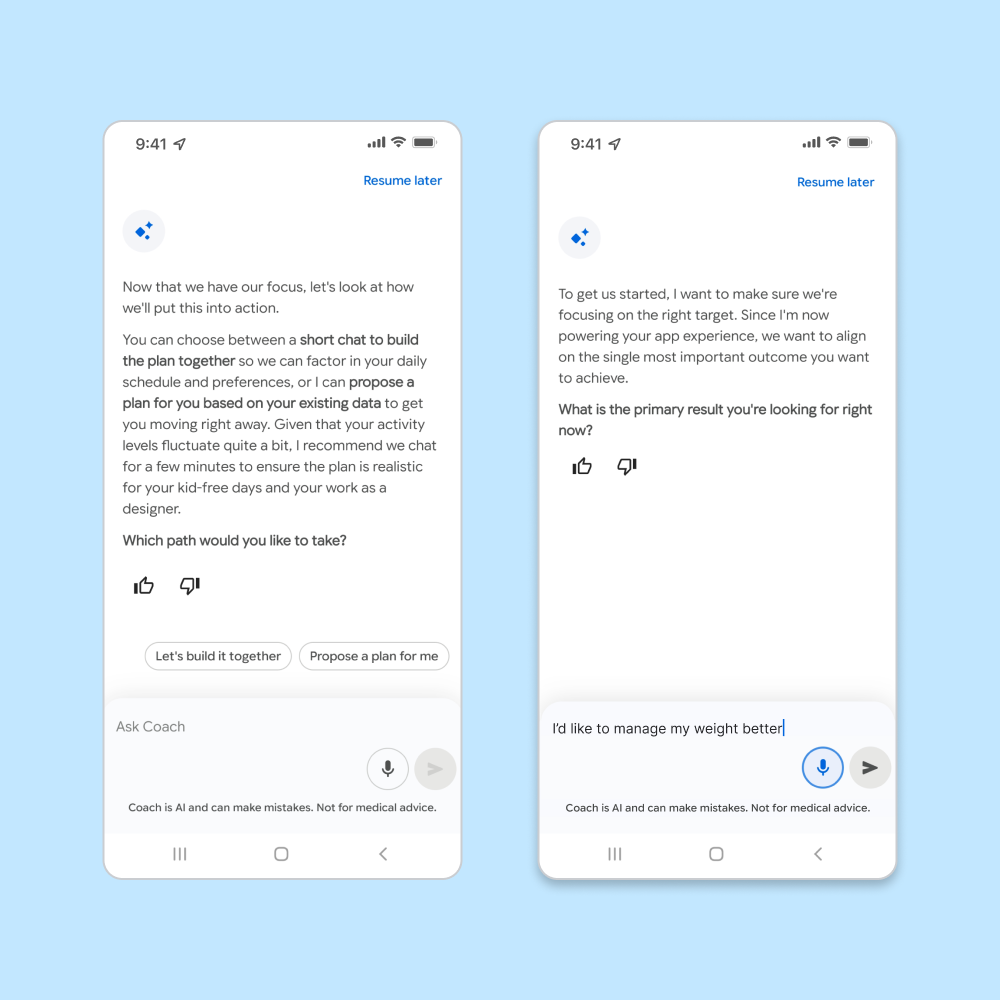
Split the flow into granular parts with escape hatches, saving to memories along the way to come back to later, and added an option for the coach to set up the plan for you.
Set clear expectations by creating welcome imagery with motion, explicitly defining the longitudinal relationship with their Coach. Users now get to opt-into the conversation.
Reduced input friction by adding speech-to-text functionality and quick reply buttons to several responses.

Impact
We saw immediate improvement in all metrics, including conversion rates and CSAT.
Users who completed the first conversation with their Coach gave higher CSAT scores than their counterparts, telling us that it was time well spent and valuable for them.
User testimonials from GA launch.

Actionable conversations
The manual food logging process for entering a single item.
Design around the habits users actually have, then use AI to bridge the gap toward the habits they want.
Pain points
Despite food logging representing the majority of all data that users log in our app:
Manually logging a meal requires multiple forms for each food.
Multimodal inputs didn’t exist in our app, even at Public Preview.
Existing Gemini component libraries for multimodal weren’t compatible with our tech stack.
Solutions
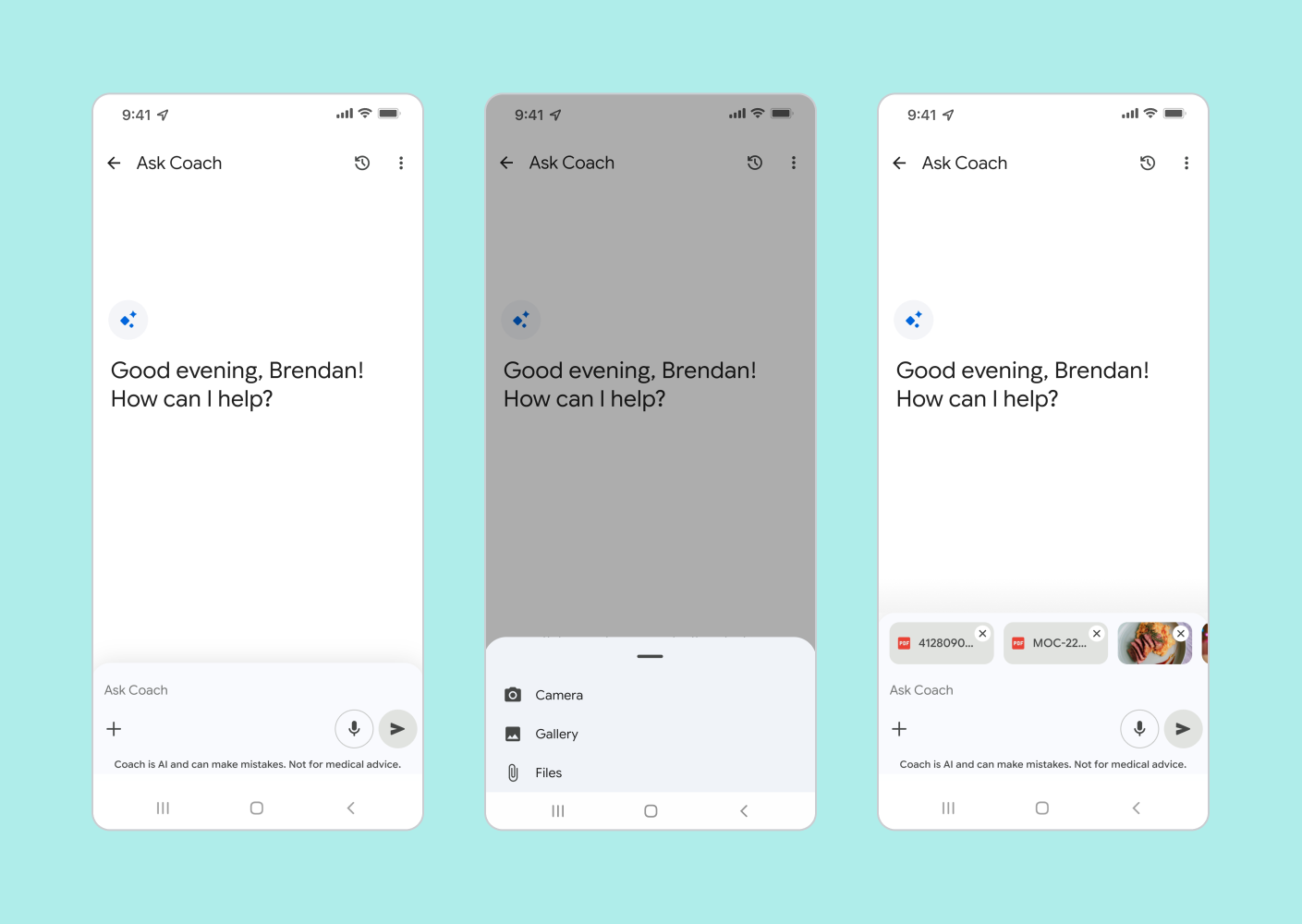
Expand input capabilities to support multimodal file upload, providing an alternate path to enter nutritional data.
Create design specs for bespoke components, leaning into existing Gemini interaction patterns where possible.
Reduced input friction by adding speech-to-text functionality and quick reply buttons to several responses.